New to MoodHaven?
Start journaling in two minutes
A private space to write — no account, no subscription, nothing sent to the cloud. Try it instantly in your browser, or install the free app on your computer.
- Free forever
- No account
- Open source
- Nothing leaves your device

Two ways to start
Just try it
Opens right in your browser. Nothing to download, nothing to set up — perfect for a first look. Your entries stay on your device.
Open the web appInstall the app
The full experience — voice notes, reminders, and syncing between your own devices over your home network. Best for everyday journaling.
See the 3 stepsInstall in 3 steps
Latest version: v1.9.0
- 1
- 2
Open it
Double-click the downloaded file. The installer walks you through a few clicks — just press Next, then Install.
- 3
If you see “Windows protected your PC”
This is normal, not a virus. MoodHaven is a small open-source project, so it isn’t signed with a paid Microsoft certificate yet. Click “More info”, then “Run anyway”. You can read every line of the source on GitHub if you’d like to check first.
Want every file, checksum, or the mobile companion? Visit the full downloads page.
Your first two minutes
Create your password
This password is the key that encrypts your journal. We never see it and it’s never uploaded — which also means we can’t reset it for you. Pick something memorable (a few random words works well), and consider saving a Recovery Key in Settings later.
Write your first line
Pick how you’re feeling, type a sentence, and that’s it — your entry saves itself automatically and encrypts on the way to disk. No “publish” button, no accounts, no waiting.
What you’ll get
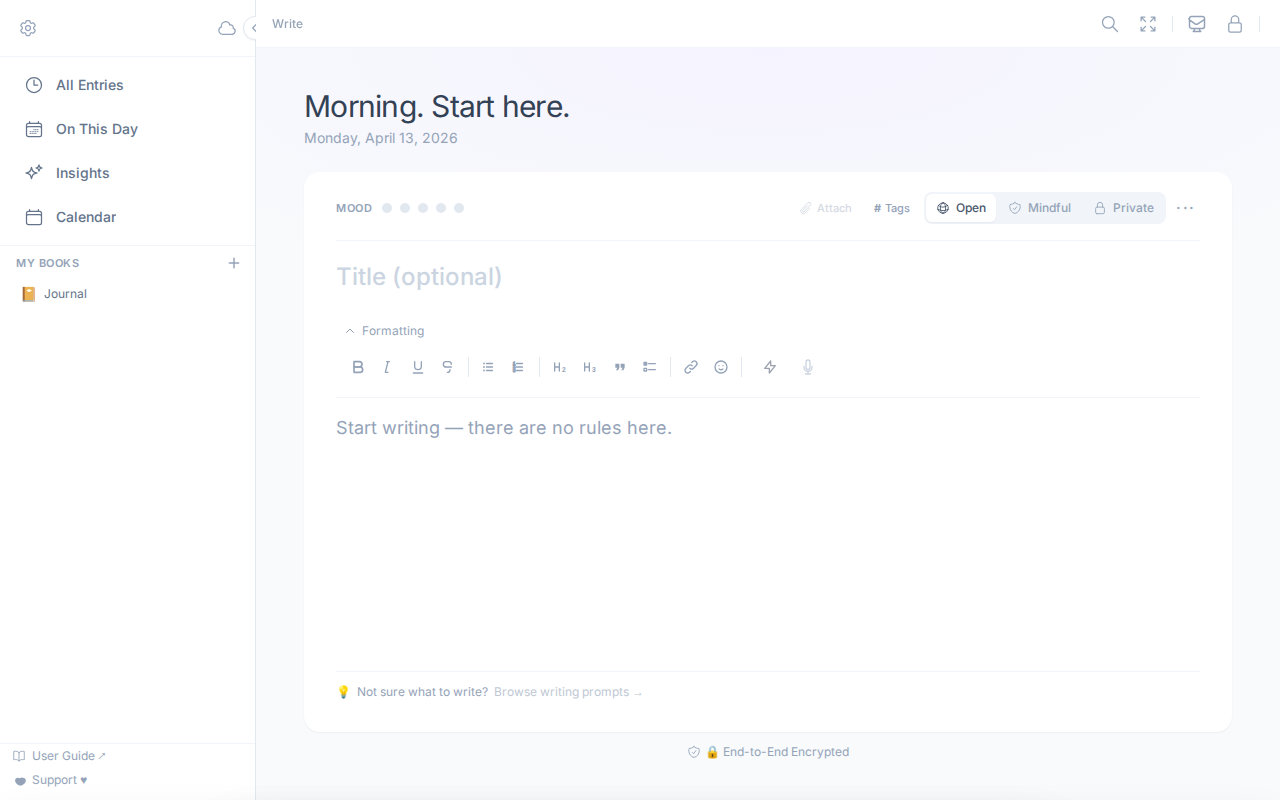
Distraction-free writing
A calm editor that auto-saves as you go.
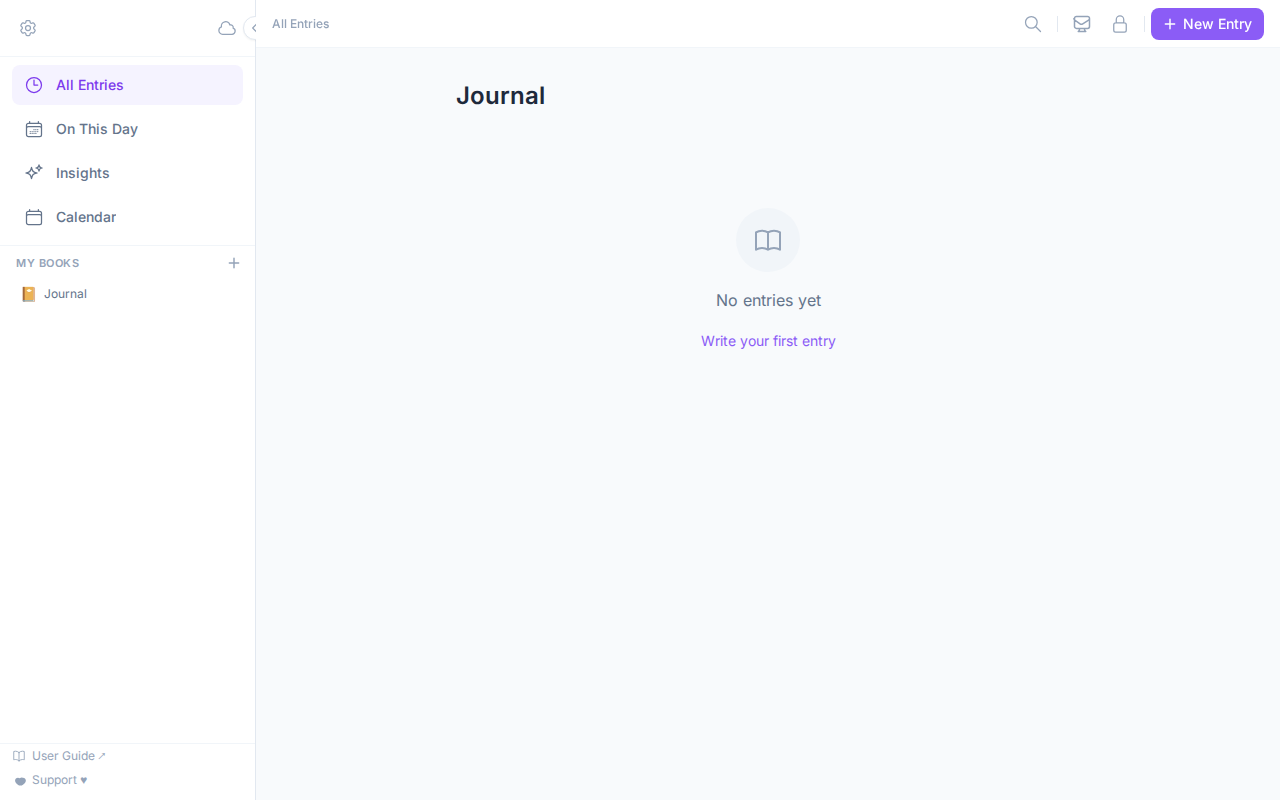
Everything in one timeline
Browse, search, and organize past entries.
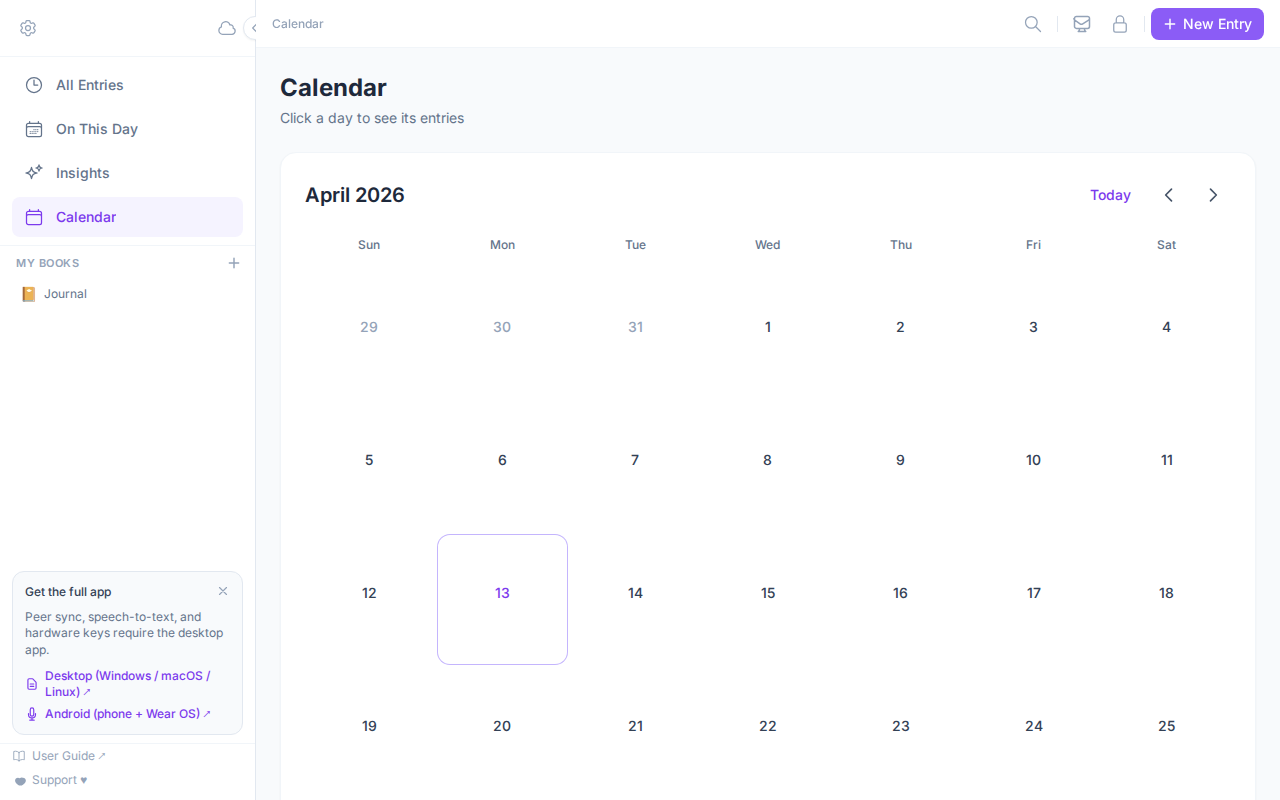
Your mood at a glance
See patterns across days and weeks.
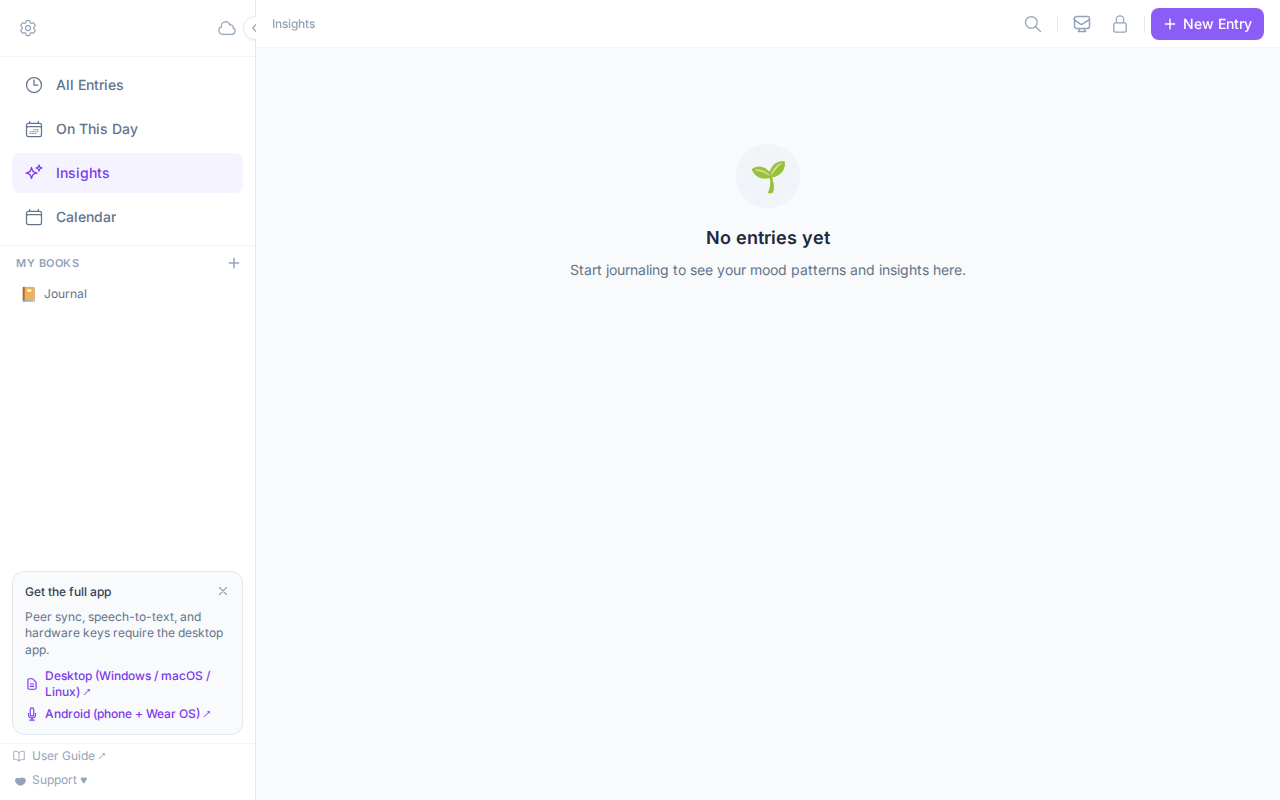
Private, on-device insights
Reflections generated locally — never uploaded.
You don’t have to take our word for it
MoodHaven is fully open source. Every line — including the encryption — is public, so anyone can verify it does exactly what we say: keep your journal private, on your device, encrypted with a key only you hold.
Ready when you are
Start in your browser now, or install the app — either way it’s free, and your words stay yours.